

Die neuronale Engine von MultiLipi "übersetzt nicht nur Wörter"; Es unterstützt die komplexe Skriptdarstellung, Richtungsweise und kulturelle Nuancen von über 120+ Sprachen. Egal, ob Sie auf Hochvolumenmärkte wie Spanisch und Mandarin oder auf strategische Schwellenländer wie vietnamesische und swahilische konzentrieren – unsere Infrastruktur sorgt dafür, dass Ihre Seite perfekt rendert.
Sehen Sie sich die vollständige Sprachmatrix an
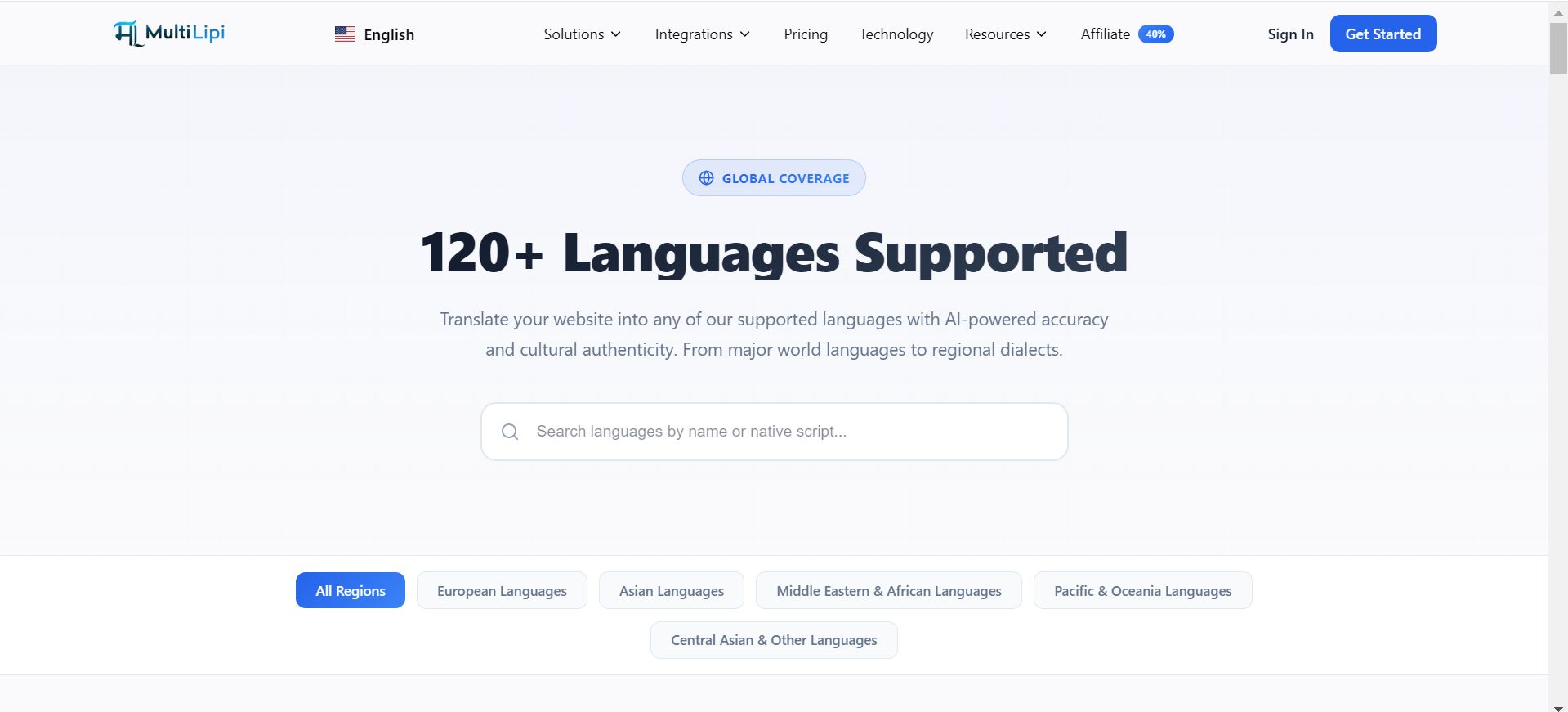
Die globale Abdeckungsmatrix
Unsere Infrastruktur ist kategorisiert, um vielfältige Expansionsstrategien zu unterstützen:
Tier-1-Märkte (Globaler Handel)
Vollständige neuronale Unterstützung für wichtige BIP-Treiber, darunter Englisch, Spanisch, Französisch, Deutsch, Mandarin (Vereinfacht & Traditionell) und Japanisch.
RTL-Architekturen
Native Unterstützung für Rechts-nach-Links-Skripte wie Arabisch, Hebräisch und Farsi, einschließlich automatischer CSS-Spiegelung zur Sicherstellung der UI-Konsistenz.
Regionale Dialekte
Unterscheidung zwischen Dialekten, um die lokale SEO-Relevanz zu maximieren (z. B. Portugiesisch-Brasilien vs. Portugiesisch-Portugal).
Schwellenländer
Unterstützung für wachstumsstarke Regionen durch Sprachen wie Indonesisch, Türkisch, Polnisch und Hindi.
Technische Rendering-Fähigkeiten
Das Hinzufügen einer Sprache ist ein technisches Ereignis. Unser System bewältigt die Komplexitäten automatisch:
Skriptrendering
Wir liefern die richtigen Unicode-Zeichen für komplexe Skripte (z. B. Thai, Devanagari), um "Tofu"-Kästchen oder verzerrten Text zu vermeiden.
Typografiekontrolle
Du kannst bestimmten Sprachen bestimmte Schriftfamilien zuweisen (z. B. eine spezialisierte Naskh-Schriftart für Arabisch), um die Lesbarkeit zu gewährleisten.
SEO-ISO-Codes
Wir vergeben automatisch die korrekten ISO 639-1-Codes für Hreflang-Tags, sodass Google genau weiß, auf welche Region Sie zielen.
Verwaltung Ihres aktiven Stacks
Sie können Sprachen sofort in Ihrem Command Center bereitstellen oder deaktivieren.
1. Navigieren
Gehe zu Einstellungen > Sprachen .
2. Hinzufügen
Klicken Sprache hinzufügen Und durchsuche unsere Datenbank.
3. Entfernen
Verwenden Sie die Schaltfläche Lösch-Symbol (🗑️) um einen Markt außer Betrieb zu nehmen.
Individuelle und Nischenanforderungen
Siehst du keinen bestimmten Dialekt oder eine Nischensprache, die du brauchst?
Unsere Infrastruktur entwickelt sich ständig weiter. Wenn Sie einen bestimmten Ort benötigen, der derzeit nicht aufgeführt ist, wenden Sie sich bitte an unser Engineering-Team unter support@multilipi.com . Wir fügen häufig neue Sprachpaare basierend auf Anfragen von Unternehmenspartnern hinzu.